

Managed IT for Lee County · Remote anywhere in Florida
Local IT you can count on, with a plan before any work starts.
- Remote help when it's the fastest fix
- Scheduled on-site visits when you need hands in the building
- Clear response targets on every plan
No obligation. No work performed during Discovery.
Managed IT plans from $95 per user per month, with Microsoft 365 Business Premium included. Your exact quote comes after a free discovery walkthrough.
- Whole-office outage4 business hours
- Response target2 business days
- On-site visitsBilled hourly when needed
- Whole-office outage4 business hours
- Response targetNext business day
- On-site scheduling (typical scheduling targets)Within 3 business days
- Whole-office outage4 business hours
- Response target8 business hours
- On-site scheduling (typical scheduling targets)Within 2 business days
Response means we acknowledge your issue and start work, usually remotely.All targets
- 20+ years of combined experience
- Local on-site support
- No trip fee in Lee County
- Response targets by plan
- Microsoft 365 focused
Platforms we deploy and support
- Microsoft 365
- Entra ID
- Intune
- Duo
- Proofpoint
- Huntress
- SentinelOne
- Veeam server backup
- OneDrive PC backup
- Meraki
- Fortigate
- SonicWall
Who we serve
Built for Southwest Florida offices of every size.
From a single front desk to multi-site organizations, we bring consistent Microsoft 365, security, and device standards with local on-site support.
Where we work: on-site in Lee County (Cape Coral, Fort Myers, and Bonita Springs). Remote support anywhere in Florida. On-site outside Lee County is quoted per trip. Not sure if you're in our area? Just ask.

Dental & medical clinics
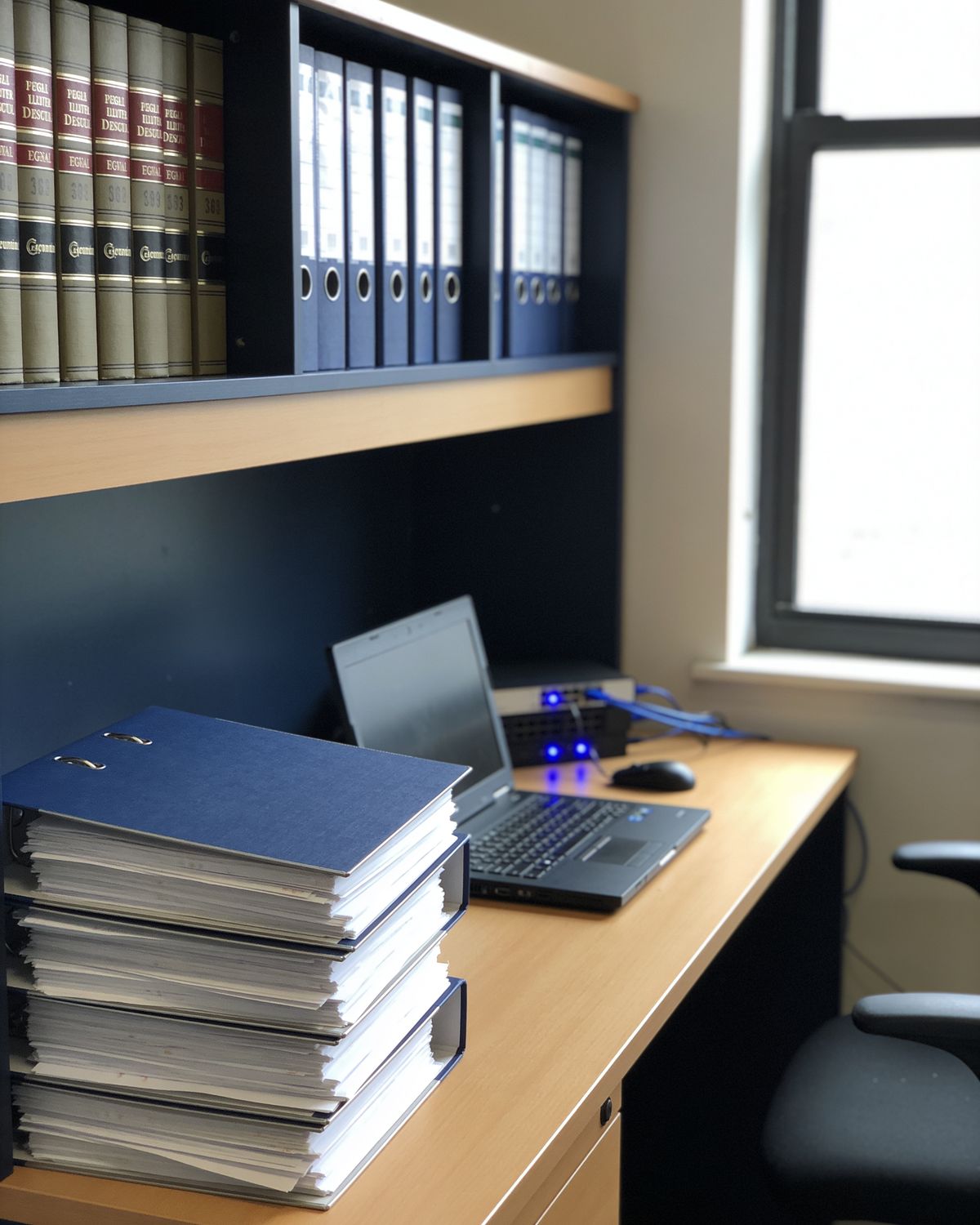
Law & accounting
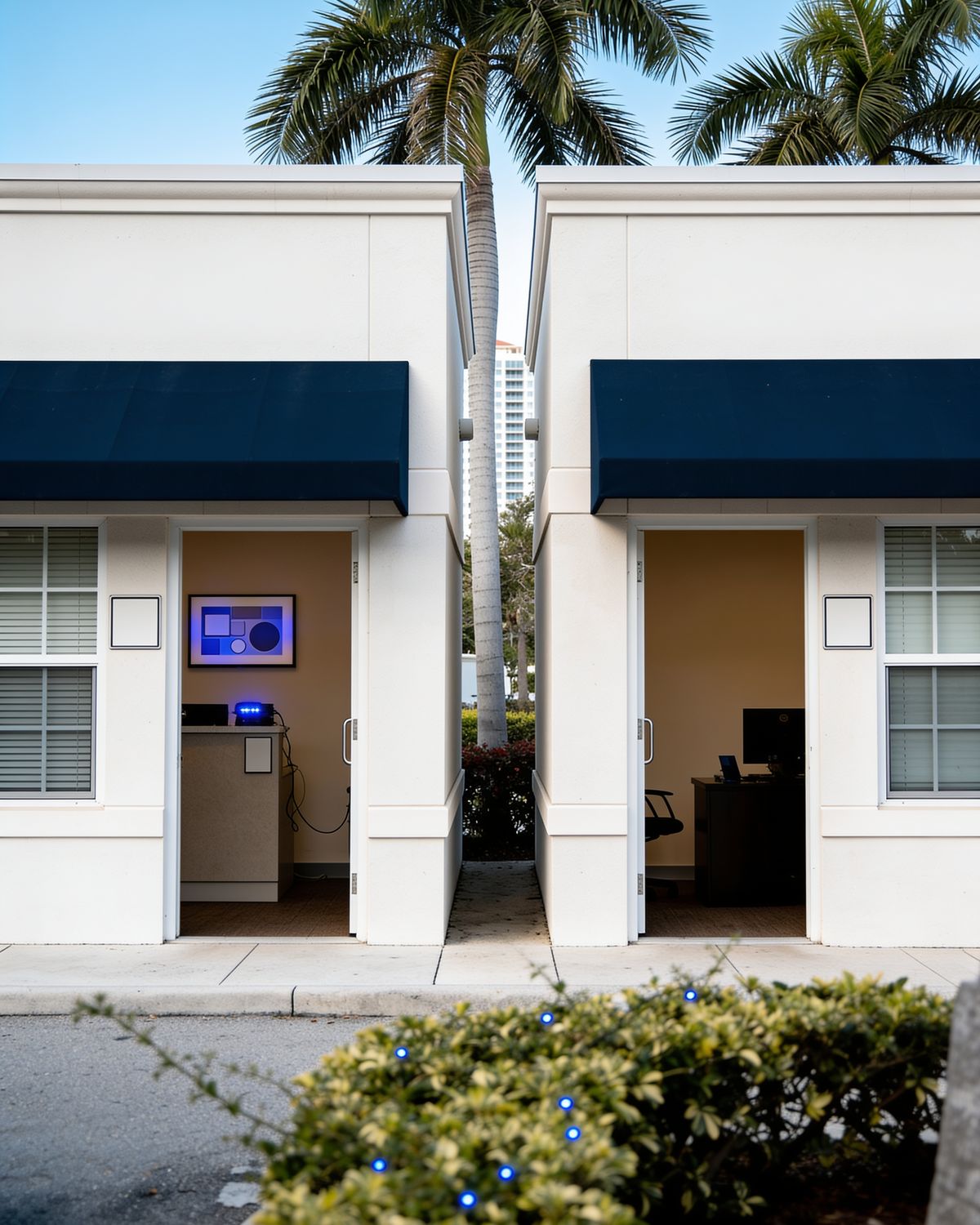
Multi-site organizations

Other local offices
Sound familiar?
Your technology should work for you. Does it?
These are the issues we fix most often. Every one starts with a free Discovery assessment and a written plan.
You want one accountable partner for help desk, patching, and vendor calls.
What we'd do: give you one local contact for help desk, patching, monitoring, and vendor calls, with response targets set by your plan.
Managed IT & IT SupportMicrosoft 365 was set up once and never tuned, and sign-ins are inconsistent.
What we'd do: clean up your Microsoft 365 tenant and user accounts, set up Conditional Access, and document what we changed and why.
Microsoft 365 & EntraSpam and phishing keep landing in your team's inboxes.
What we'd do: set up DKIM, SPF, and DMARC for your domain and add Proofpoint Essentials filtering, so incoming mail is scanned before it reaches the inbox.
Email Migration & SecurityYour accounts don't have MFA, and your cyber insurance carrier requires it.
What we'd do: turn on MFA for every Microsoft 365 user and give you a written summary to share with your insurance carrier.
MFA & 365 SecurityYou're not sure your backups exist, or whether a restore would actually work.
What we'd do: confirm what's actually being backed up, fill any gaps with Veeam server backup or OneDrive backup for PCs and user files, and run a test restore.
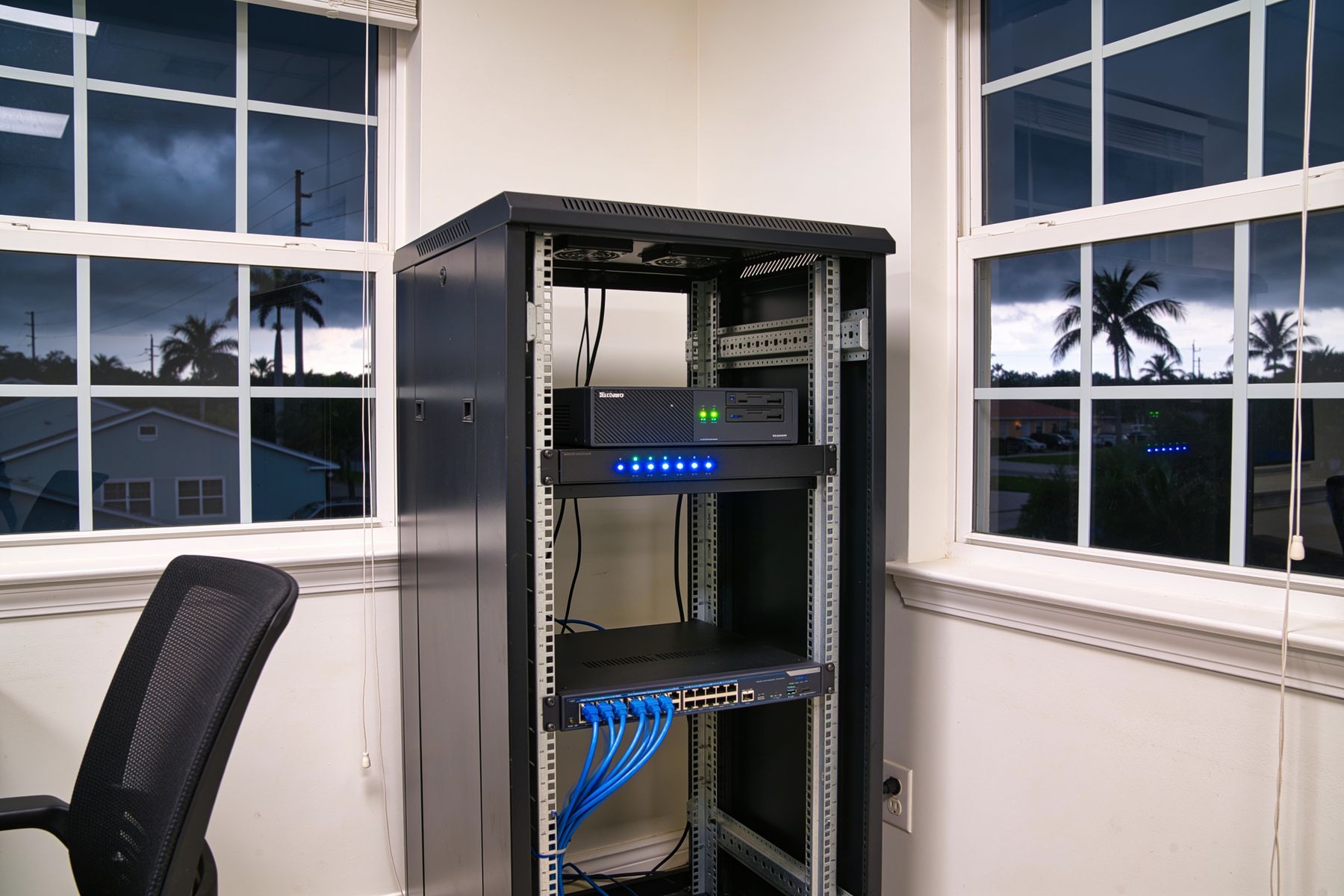
Backups & Disaster RecoveryYour network closet is a tangle of unlabeled cables nobody wants to touch.
What we'd do: organize and label the cables and rack, then give you photos and a diagram of how everything connects.
Server Room CleanupFree resource
Preparing for a cyber insurance application? Use our printable checklist of common security controls carriers often ask about.
Cyber insurance readiness checklistServices
One partner for your entire IT environment.
Microsoft 365 at the core, plus the projects around it. We work remotely when it's quick — anywhere in Florida — and on-site in Lee County (Cape Coral, Fort Myers, and Bonita Springs) when the job calls for it.
View all 13 services
Managed IT & IT Support
Help desk, monitoring, and patching with response targets by tier.

Microsoft 365 & Entra
Entra, AD Sync and single sign-on, Intune device management, Conditional Access.
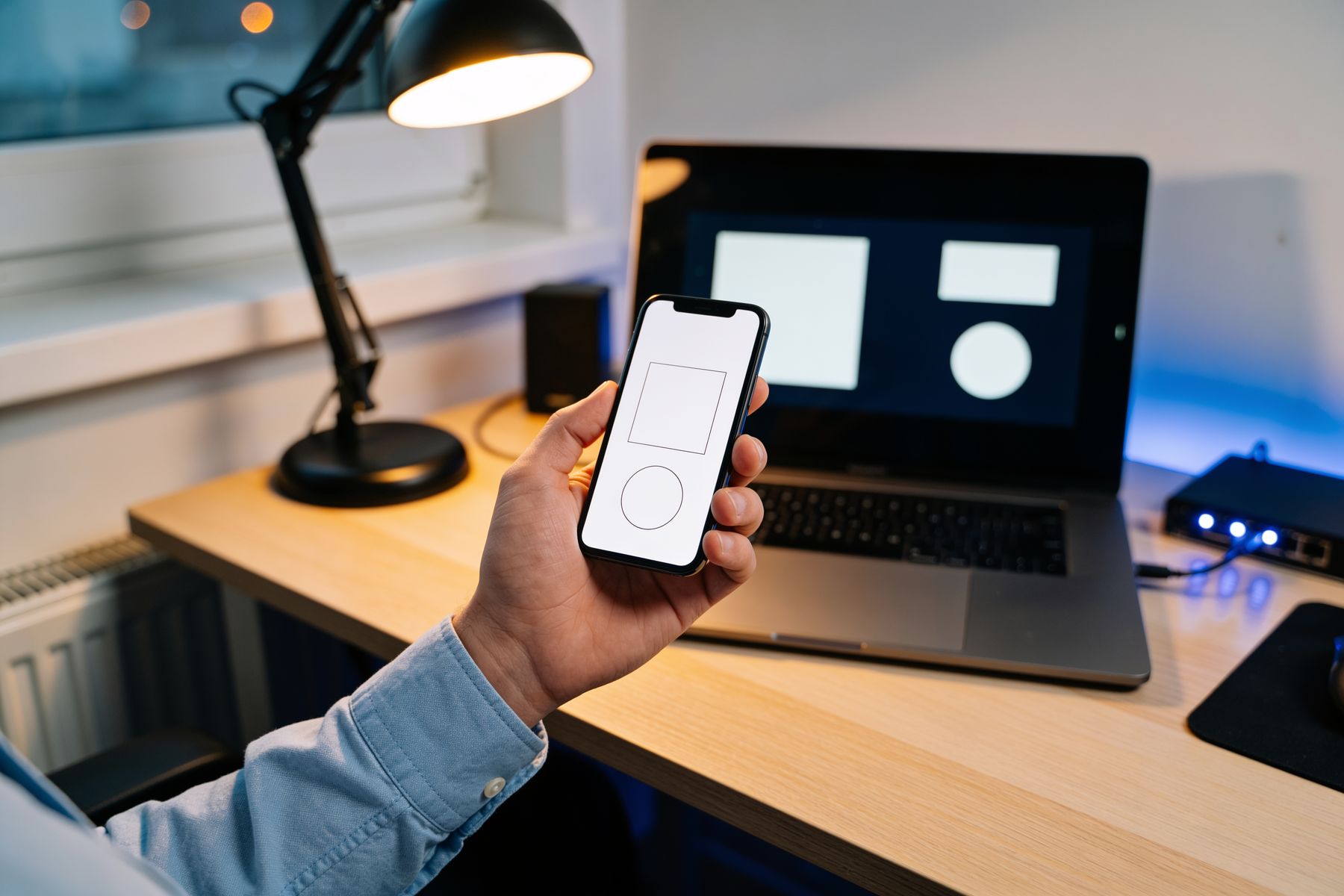
MFA & 365 Security
Microsoft Authenticator MFA with number matching, Conditional Access, and access reviews.
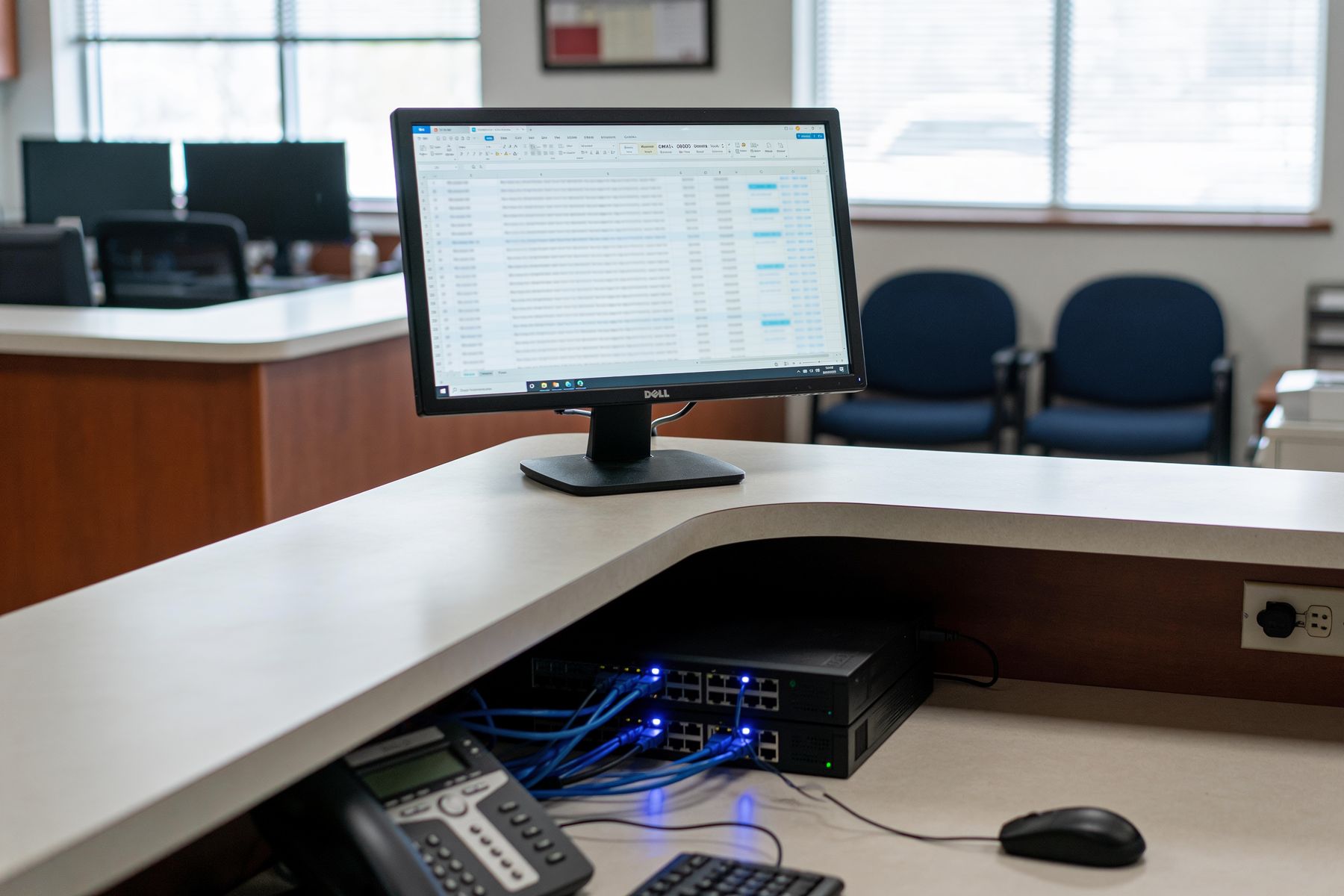
Email Migration & Security
Google Workspace or local mail to Microsoft 365. Proofpoint Essentials, Ironscales, DKIM/SPF.
Backups & Disaster Recovery
Veeam server backup, OneDrive PC backup, and tested restores.

Firewall & VPN
Meraki, Fortigate, SonicWall. Site-to-site tunnels and client VPN.
How it works
Every engagement starts with Discovery.
No guesswork. No surprise invoices. You see exactly where your IT stands and get a written plan before anything changes.
- 01
Discovery assessment
We walk your office with you and review your Microsoft 365, servers, network, devices, backups, and security. We note what you have and what looks risky. We don't log in to or change anything during Discovery.
- 02
Written plan & quote
You get your priorities, potential problems, a recommended plan, and fixed project quotes, written so anyone in your office can follow them.
- 03
We do the work and keep it running
We schedule projects around your office hours. Managed plans keep everything patched, monitored, and supported, with response targets by priority.
What we review
No logins. No changes.- Microsoft 365
- Servers
- Network
- Devices
- Backups
- Security
You get a written plan with priorities, potential problems, and a fixed quote.
Why BSEG
Local, accessible, and honest about timing.
We're a two-person team based in Southwest Florida, and we schedule our on-site work. We won't promise instant arrival. We will give you clear response targets and a team that's actually local.
20+
Years of combined IT experience across our team's prior roles.
10,000+
Users supported in our prior IT roles (healthcare IT and MSP work) before we founded BSEG in 2026.
Local and accessible
We're based in Cape Coral / Fort Myers. On-site work in Lee County (Cape Coral, Fort Myers, and Bonita Springs) has no trip fee. Remote support is available anywhere in Florida. After-hours help is available, billed separately.
Discovery comes first
The walkaround and assessment are free, and no work is performed. Any fixes are quoted separately.
Small team, direct access
Your main contact is Charles (Sawyer) Johnston, Founder & CEO.
Work you can follow
We explain every change clearly and document everything we touch.


About us
Meet the team.
We're a Microsoft 365-centered managed IT practice for Southwest Florida offices of every size. Practical IT, explained clearly, without the runaround.
Our two-person team brings 20+ years of combined IT experience. Charles (Sawyer) Johnston, Founder & CEO, is your main contact, and Tristen Miller is our CTO.
Sawyer's credentials
- CompTIA Security+
- CompTIA Network+
- CompTIA A+
- DoD 8140 qualified
Reviews coming soon. Already working with us? Leave a review.
Get started
Ready for IT that works for your business?
Start with a free Discovery assessment. You get a clear picture of your IT, a written plan, and a quote before any work begins.
No obligation. No work performed. Any fixes are quoted separately.
Managed IT plans from $95 per user per month, with Microsoft 365 Business Premium included. Your exact quote comes after a free discovery walkthrough. Project fees and financing are flexible and quoted. Compare plans & response targets